Evolve & Survive How to Use Scripts
Executor flow for Kill Aura, Auto Farm, and Speed — not a fake loadstring.
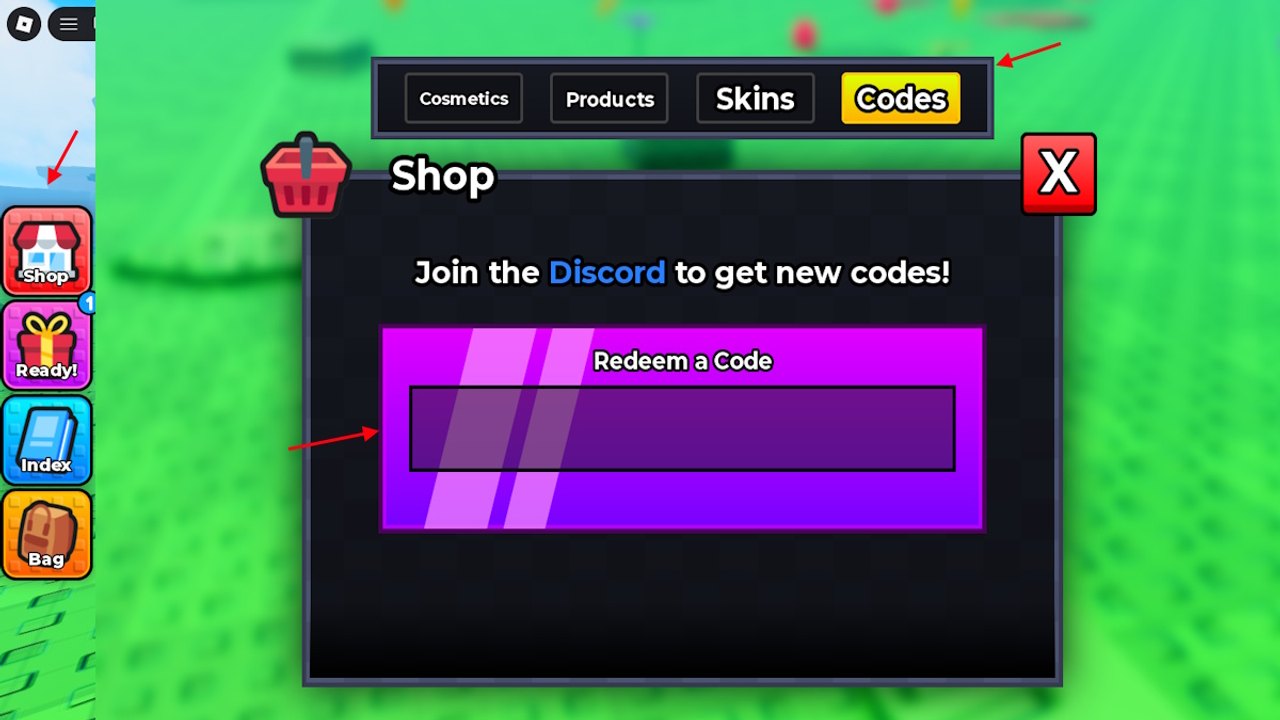
This is a mechanics page, not a download page. Hubs for Evolve & Survive advertise Kill Aura, Auto Farm, and Speed, but we still will not paste an unverified loadstring here. If you arrived from a YouTube thumbnail that shows a GUI with “Auto Evolve” sliders, confirm the window actually says Evolve & Survive before you inject anything. Wrong morph titles nil-index the moment Shop loads.
The general Roblox flow is the same across titles:
- Install an executor you already trust from a source you did not find in a random comment.
- Launch Roblox, then launch Evolve & Survive, then attach the executor to the client.
- Paste a script for this place, not a universal hub copied from a brainrot title.
- Execute once. If nothing happens, do not paste four more “fixed” versions from strangers.
- Close the GUI before you fight. Overlays eat clicks the same way Shop does — see controls.
That is the entire tutorial. There is no in-game Scripts button next to Index. Anyone who tells you to type a command into Redeem a Code is confusing codes with Lua. Codes are Update3. Scripts are not.
What a real Evolve & Survive script would look like
If and when a dedicated loader appears, expect toggles that map to the real HUD:
- Auto-touch food cubes (Eat Food 0/5)
- Player ESP on 30-player servers
- Form / morph helper
- Anti-AFK while you sit in a biome
It should name Evolve & Survive, not “Animal Evolution Simulator” or “Beastify.” Wrong game names are the first filter.
We will paste a loadstring on this page only when that filter passes. Until then the box stays empty on purpose.
Mobile and console
Most executors are Windows. Mobile loaders are a malware carnival. Console has no supported inject path. If you play on phone or Xbox, this page does not apply. Use codes and guides.
After you inject (hypothetically)
Even a “working” auto-eat can throw you into a mantis because you were AFK on the lawn. Scripts do not read the tier list. You still need to hop servers that are not full of glowing centipedes. You still need Revives. You still need to close Shop.
If the executor disconnects you, that is Hyperion doing its job. Rejoin without injecting and play clean. Your Index is worth more than a GUI.
Related pages
- Scripts hub — status of dedicated loaders
- Safety — stealers, key systems, bans
- Updates — patches that break pastes overnight
Attach order that actually works
Roblox first, experience second, executor third. Attaching before the voxel lawn loads is how people think a script “does nothing.” Wait until Shop is visible on the left rail. If Eat Food is on screen, the place is ready.
Execute once. Spam-clicking execute duplicates GUIs and steals frames you need for camera. If the GUI covers Index, move it. You still need Index to know whether auto-evolve is lying.
When a paste errors, read the first line. “game is not loaded” means you were early. “attempt to index nil” on a wrong game means the script was written for another morph title. Close it. Do not “fix” it with a second paste from the same video.
After a successful attach, play one minute clean with the GUI off. If you cannot eat five pickups without the script, you do not need the script. You need getting started.
Rejoin after every Roblox client update. Injectors lag behind Hyperion. A loader that worked on Monday can crash the client on Tuesday. That crash is not a reason to download a new executor from a comment.
Frequently Asked Questions
Quick answers players search before they jump back into a server.
Where do I paste a script in Evolve & Survive?
You do not paste it in Shop. Executors attach to the Roblox client. The Codes box only accepts promo strings.
Why is there no loadstring on this page?
Hubs advertise Kill Aura, Auto Farm, and Speed, but we could not verify a public paste worth hosting. We will not invent one.
Can I run scripts on mobile?
We do not recommend it. Most mobile executors are stealers. Play clean on phones.